
History & Sharing
All of your try-ons are saved in history. Here you can browse past results, add them to favorites, download images, and share them.
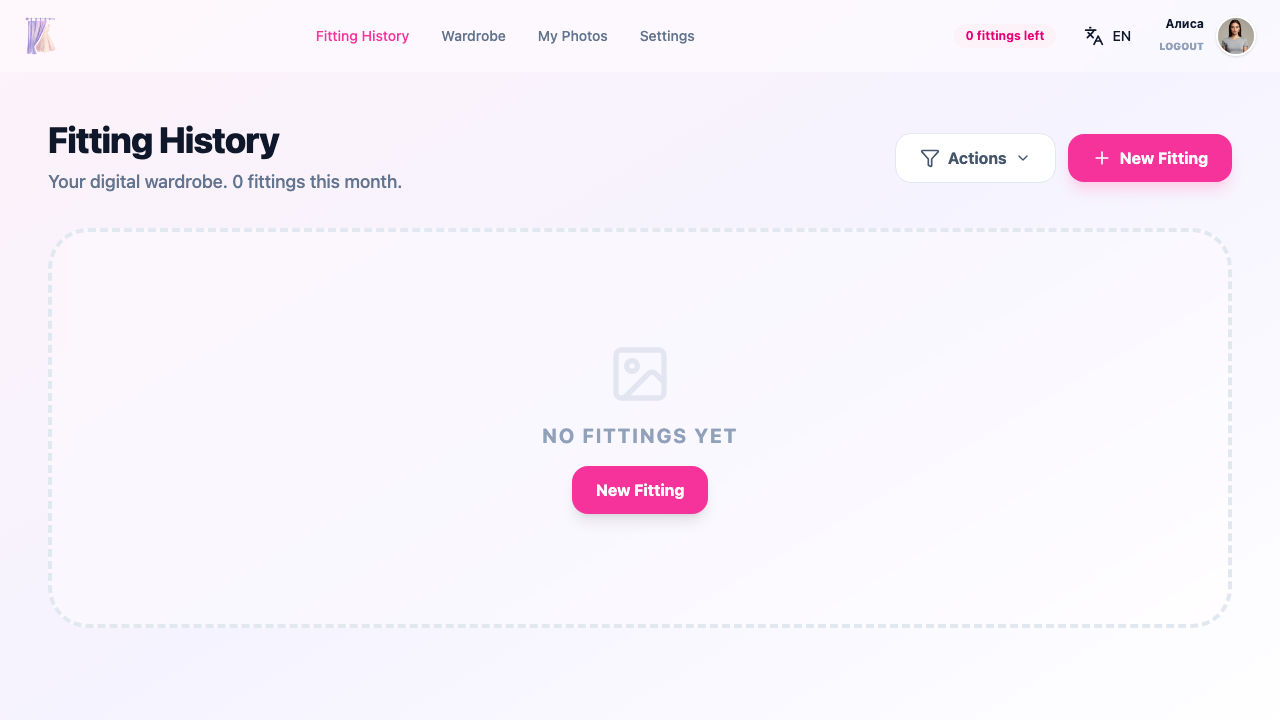
History page overview
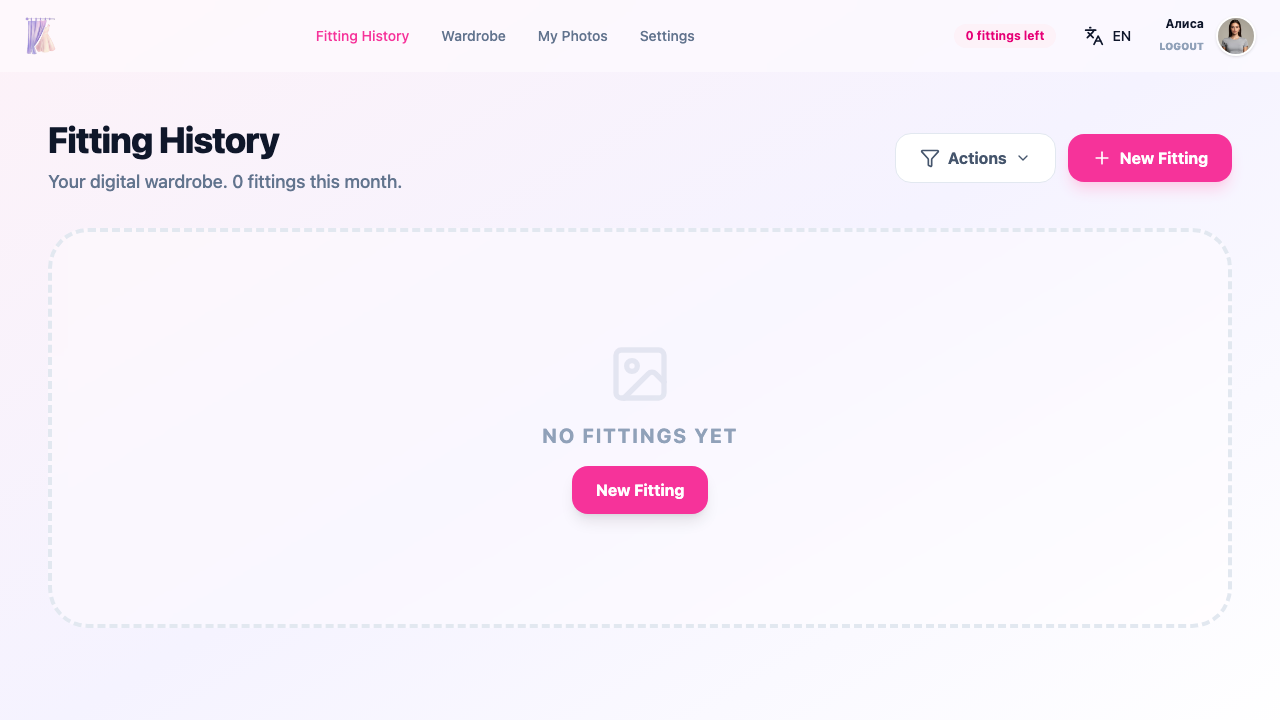
The history page displays a grid of cards with your past try-ons. Each card contains a result preview and key information.
Filtering
The filter panel helps you quickly find a specific result:
By period
- Today
- Week
- Month
- 3 months
- All time
By source
Filter by the marketplace domain where the clothing was found.
By clothing type
- Tops
- Bottoms
- Full outfit
Card information
Each try-on card shows:
- Brand — the clothing brand name (if available)
- Product — the clothing item name
- Date — when the try-on was performed
Card actions
Favorite
Click the heart icon to add a try-on to your favorites. Favorites are stored locally and persist across sessions.
Fullscreen view
Open the result in fullscreen mode for a closer look.
Download
Save the result image to your device.
Share
Create a public link to the result and send it to friends or post on social media.
Внимание
When you create a sharing link, the try-on result becomes accessible via a public URL. Anyone with the link will be able to see the image.
Repeat fitting
Open the fitting wizard with the same clothing to try it with a different photo or settings.
Delete
Remove the try-on from your history.
Внимание
Deleting a try-on from history is irreversible. A confirmation dialog will appear before deletion.
Related sections
- Try-On Process — how to create a new try-on
- Photo Management — uploading and organizing photos
- Account Settings — privacy and sharing preferences