
Getting Started
Welcome to AI Fitting Room — an AI-powered virtual try-on tool for online shopping.
What is AI Fitting Room?
AI Fitting Room lets you try on clothing right in your browser without leaving the online store. Upload your photo, find an item you like on a marketplace, and AI will show you how it looks on you. The whole process takes less than a minute.
How to begin
-
Install the Chrome extension
Go to the Chrome Web Store and install the AI Fitting Room extension. After installation, the icon will appear on your browser’s extension toolbar.
Learn more: Install Chrome Extension
-
Create an account
Register using one of two methods:
- Via Telegram (fastest way) — open the Telegram bot and follow the instructions
- By email — enter your email and create a password
You will need an invite code during registration. Use the code friends.
-
Upload your photo
Go to your personal dashboard and upload a full-body photo. This is the photo AI will use for virtual try-ons.
For the best results, use a full-body portrait against a plain background. Learn more: Photo Tips
-
Find clothing on a marketplace
Open Wildberries or Ozon and navigate to any clothing item page. A Try On button will appear on the clothing images.
-
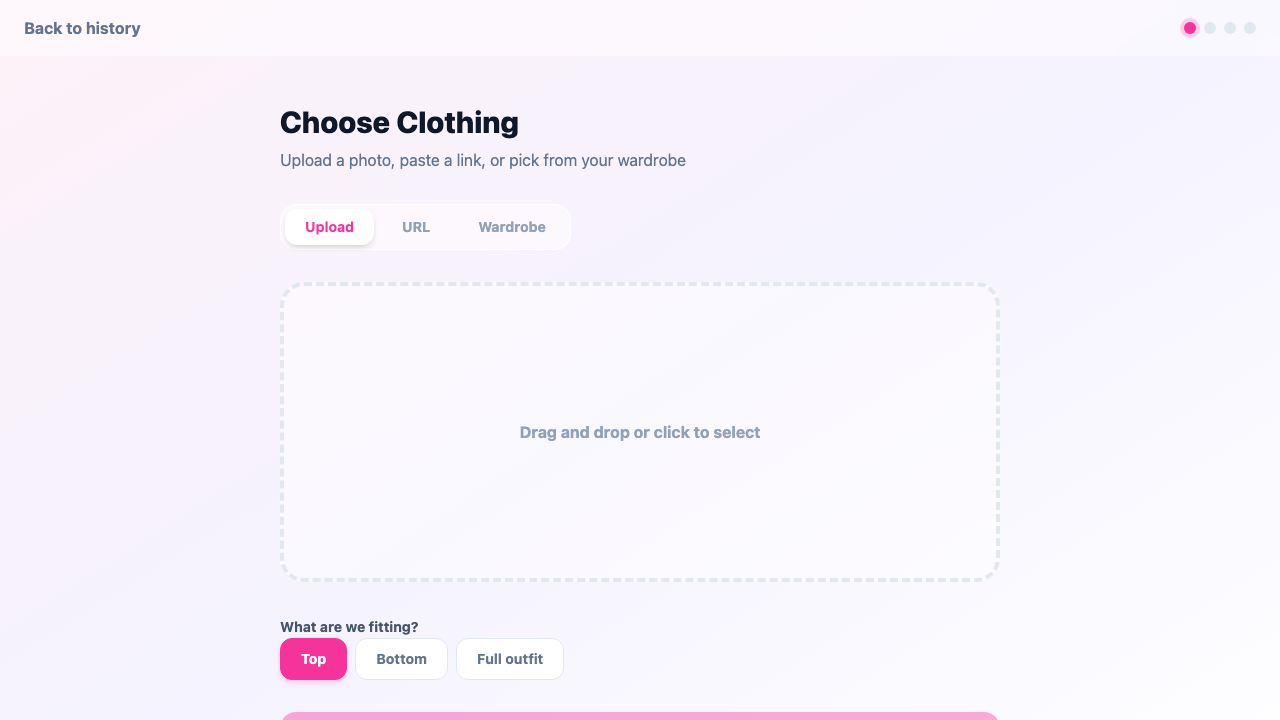
Try on and view the result
Click the Try On button — AI will process your photo and show the result in 30—60 seconds. You can download the image or share it.
Совет
Currently supported marketplaces are Wildberries and Ozon. Support for additional platforms will be added in future updates.
Совет
If you mark a photo as “last used” (star icon), try-ons will start automatically when you click the button — no extra steps needed.
Next steps
- Photo Management — upload and organize your photos
- Wardrobe — build your digital clothing collection
- Try-On Process — learn about the fitting steps in detail
- History & Sharing — view your past try-ons