
Account Settings
On the settings page you can manage your profile, linked accounts, password, and app preferences.
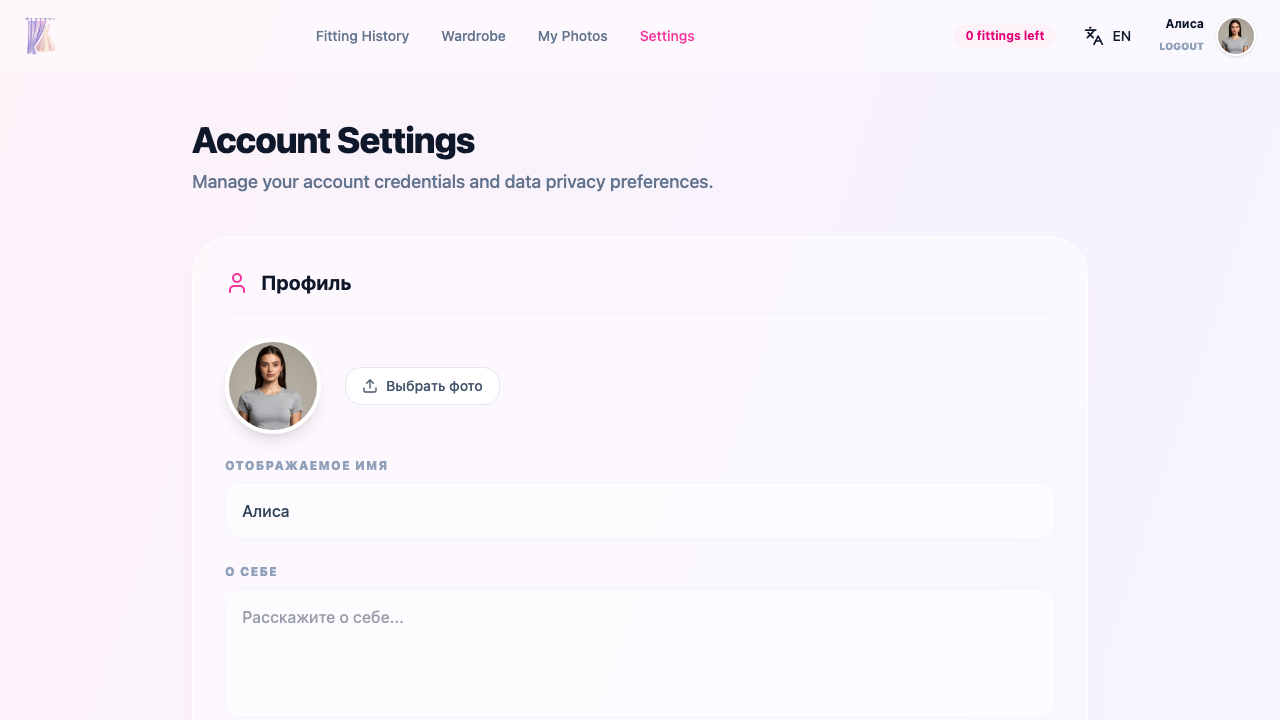
Profile
Avatar
Upload a profile photo. After uploading, you can crop the image to the desired size.
Display name
The name other users see. You can change it at any time.
Bio
A short description — up to 500 characters.
Location
Enter your city or country (optional).
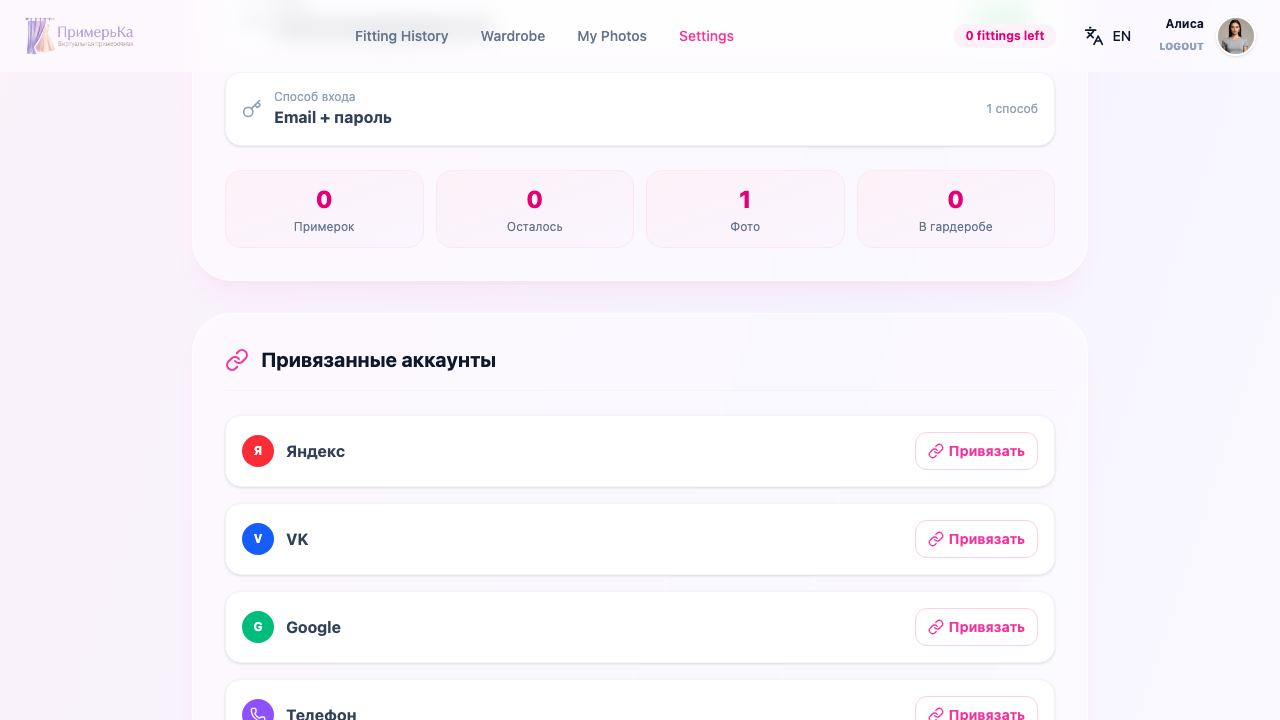
Account information
This section displays key account details:
- Email — the email address linked to your account
- Phone — your phone number (if linked)
- Auth method — how you signed in (email, Telegram, Google, etc.)
- Stats — number of fittings, uploaded photos, and registration date
Linked accounts
Connect and disconnect external services for sign-in:
- Google — quick sign-in with your Google account
- Yandex — sign-in with Yandex ID
- VK — sign-in with VK ID
- Phone via Telegram — link your phone number through the Telegram bot
Password
Change password
If you already have a password set, enter your current password and set a new one.
Set a password
If you registered via Telegram or social media, you can set a password as an additional sign-in method.
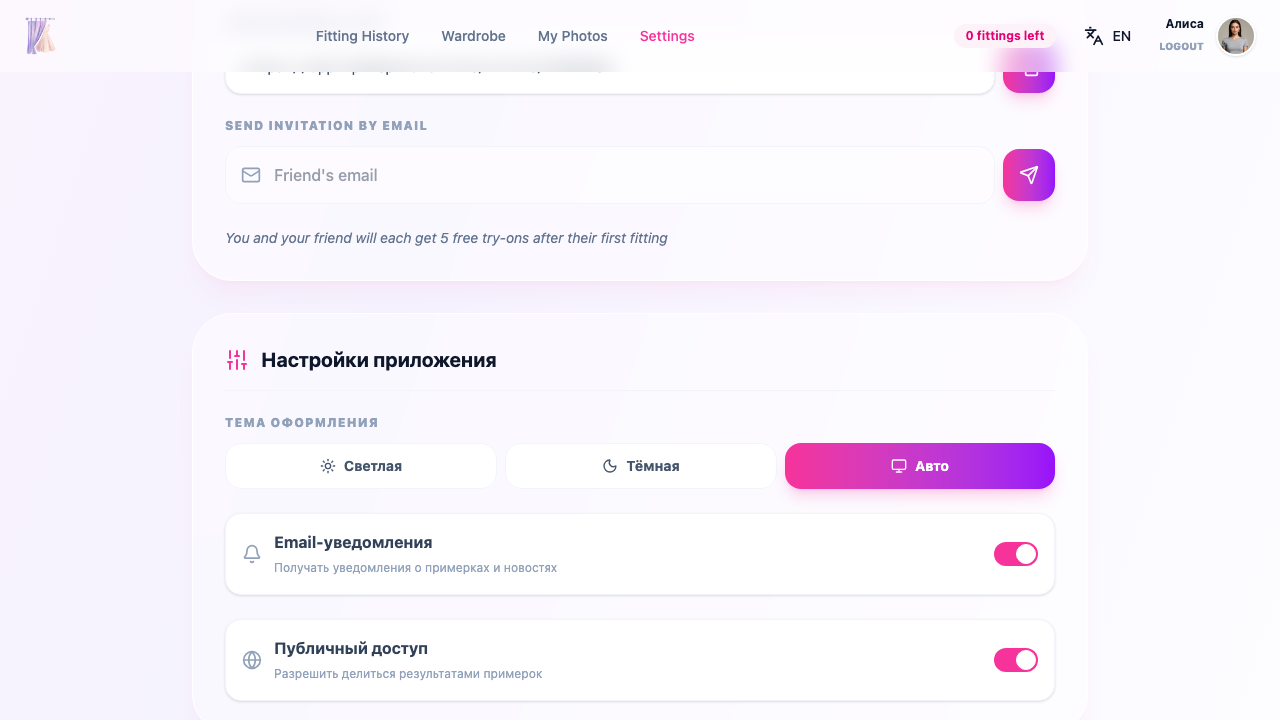
App preferences
Theme
Choose the app appearance:
- Light — light background with dark text
- Dark — dark background with light text
- Auto — follows your operating system settings
Email notifications
Enable or disable email notifications.
Public sharing
Allow or disallow creating public links to try-on results.
Data privacy
Manage your data processing consents:
- AI processing — consent for your photos to be processed by AI for virtual try-on
- Marketing emails — consent to receive informational emails
Account deletion
You can permanently delete your account and all associated data.
Внимание
Account deletion is irreversible. All your photos, try-on history, wardrobe, and settings will be permanently removed. A confirmation dialog will appear before deletion.
Related sections
- Getting Started — get up and running with AI Fitting Room
- Photo Management — uploading and organizing photos
- History & Sharing — managing try-on results